
Google Business Profile integration
MX by MapLovin
Manage your Google Business Profile locations from one workspace
MX by MapLovin is a business location management application for managing Google Business Profile locations, reviews, listing information and authorized profile updates.
MX by MapLovin is an independent product operated by MapLovin Company Limited and is not affiliated with or endorsed by Google.
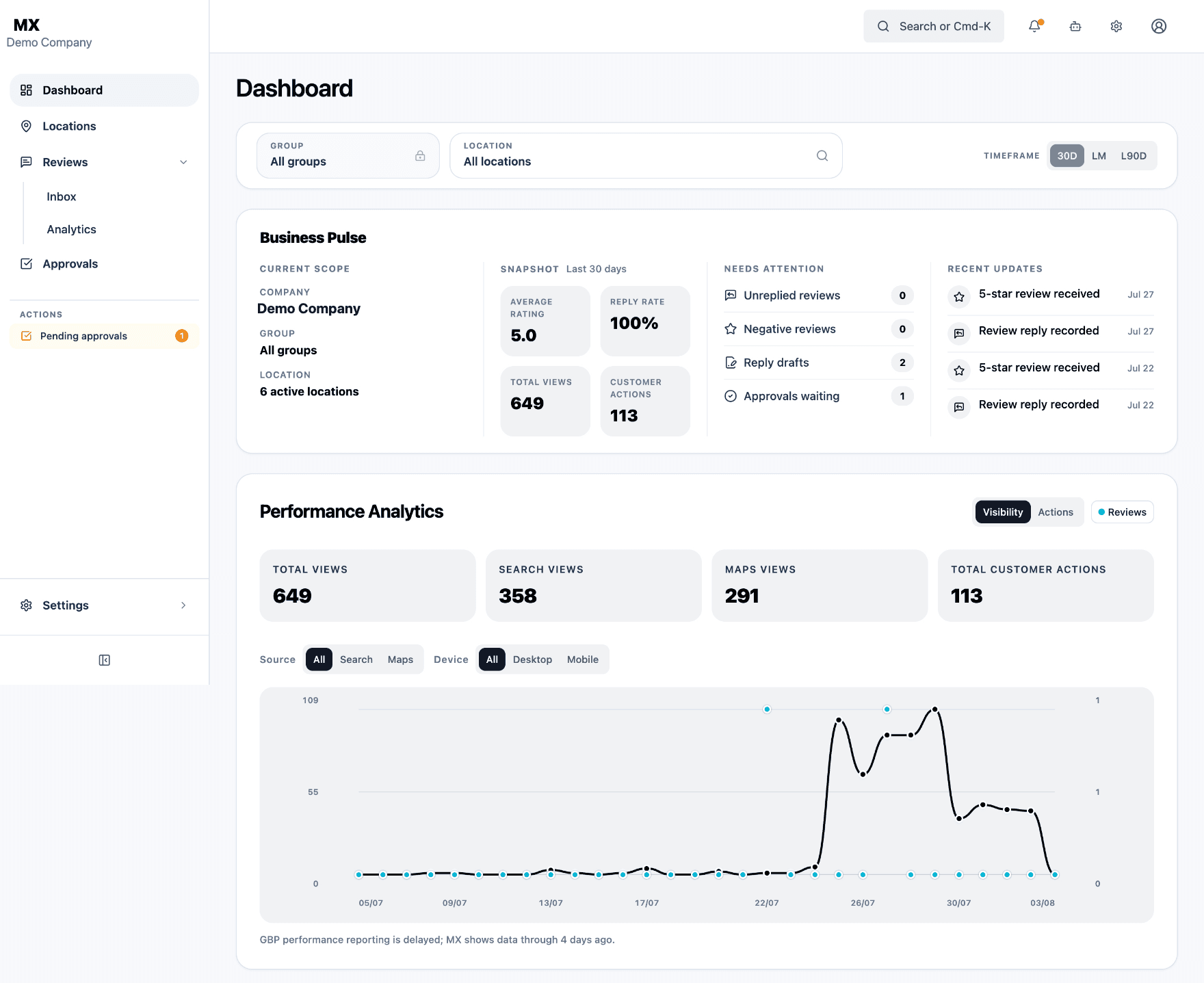
Why MX requests Google Business Profile access
MX uses Google Business Profile access only after you authorize the connection. This allows MX to retrieve the business locations you manage, display listing information and reviews, upload media, and submit approved profile updates or review replies.
What MX does
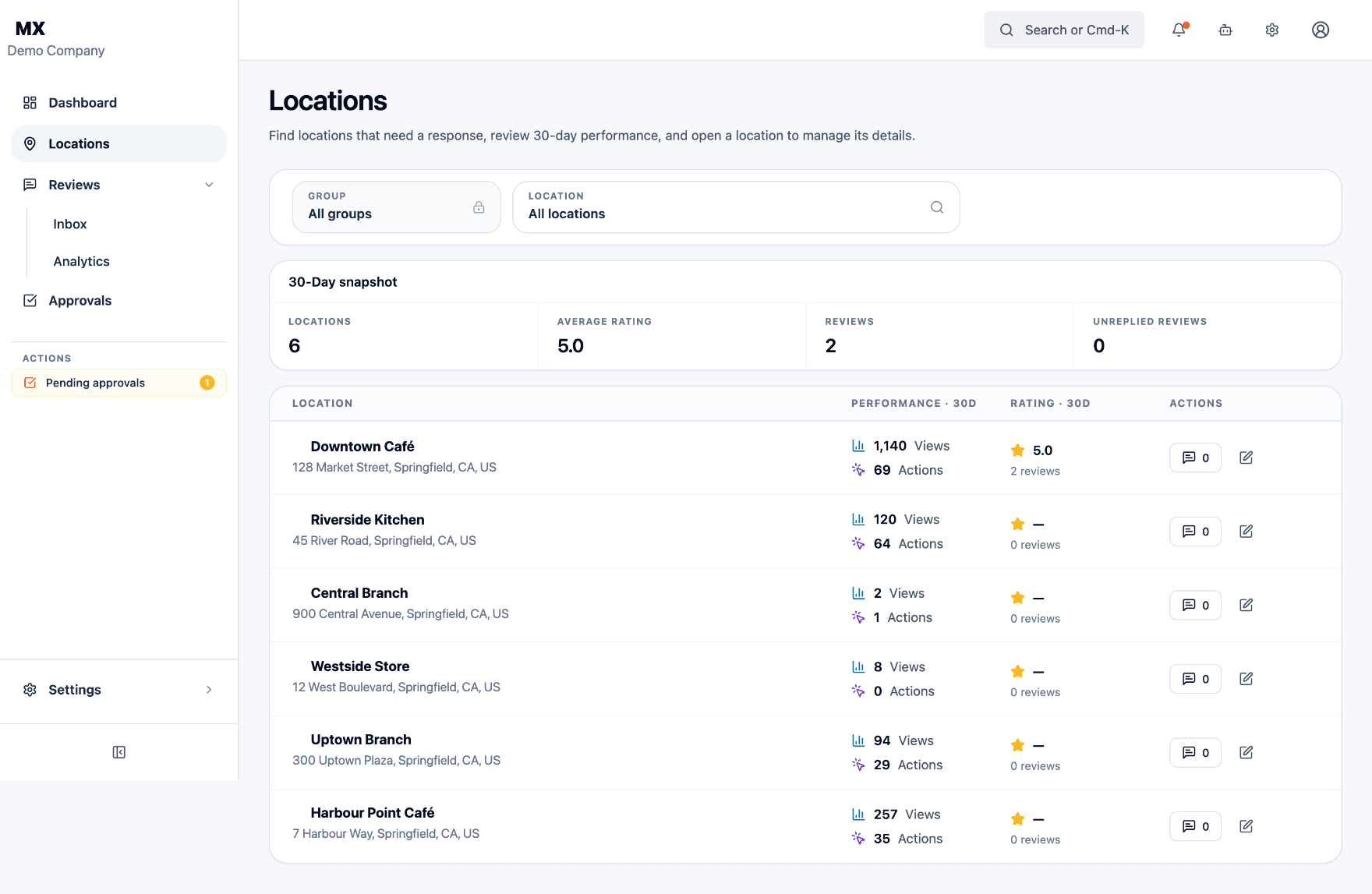
MX by MapLovin lets an authorized user:
- Import business locations
- Display business profile information
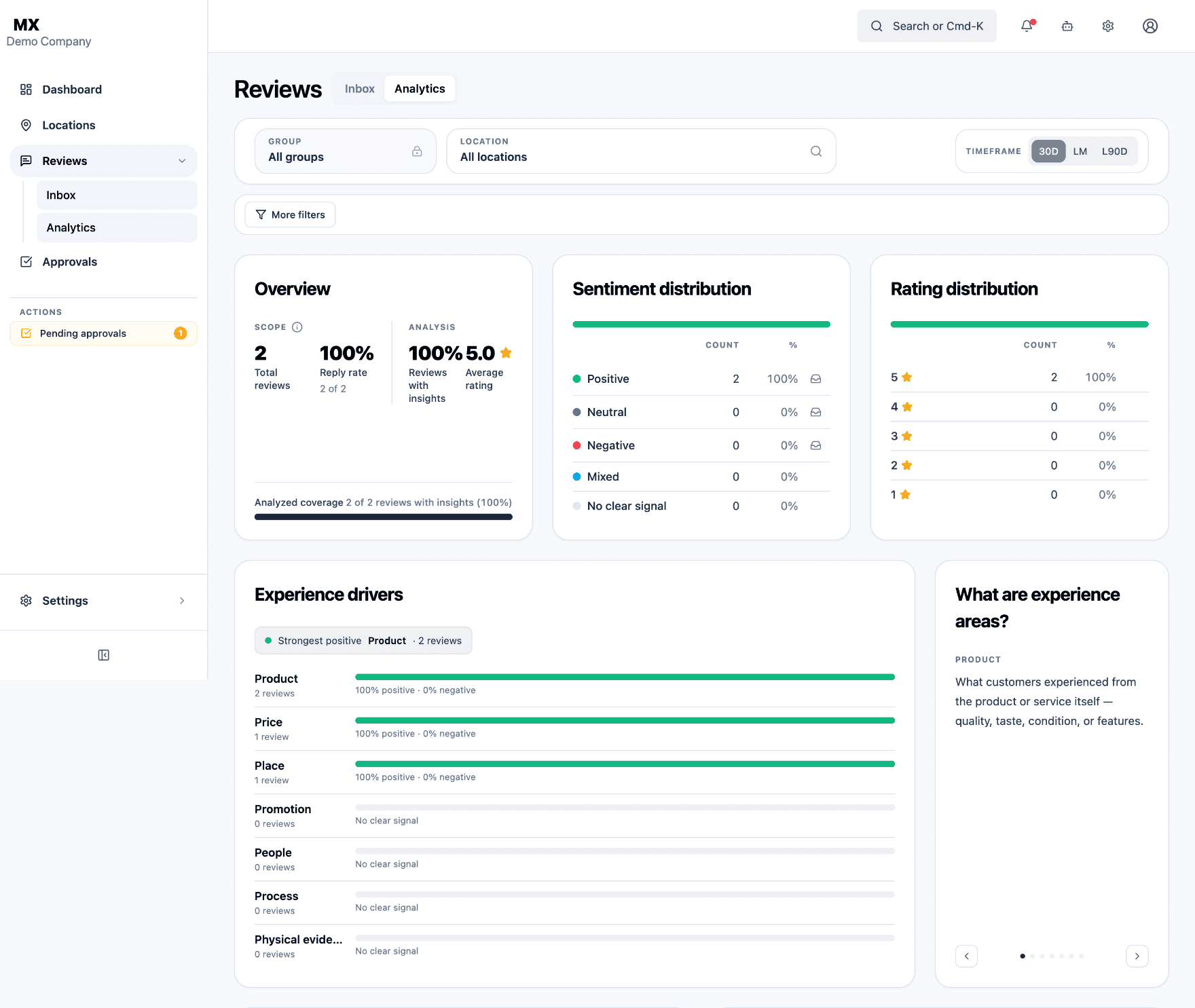
- Monitor customer reviews
- Create and submit owner replies
- View Business Profile performance
- Upload business photos
- Update listing information
- Synchronize approved changes
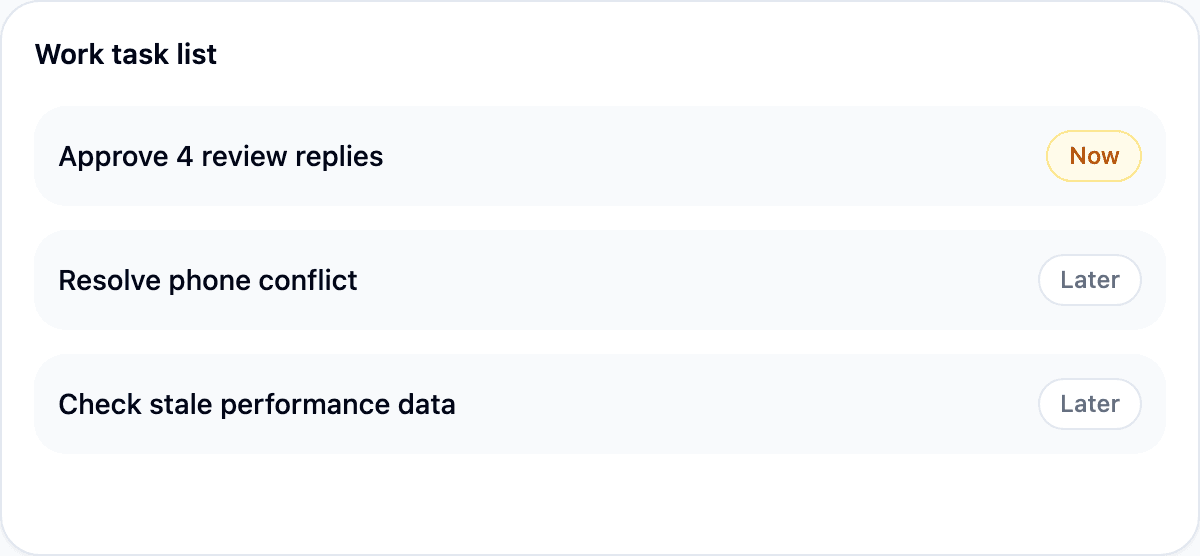
- Manage approvals
- Organize multiple locations
All changes are initiated or approved by authorized users.
Google Business Profile Integration
MX connects through Google’s official OAuth flow. Once you authorize access, MX can identify your Google account, retrieve the locations you are authorized to manage, display their listing information and reviews, upload media, and submit profile updates and review replies you approve.
- Access begins only after you complete Google's consent screen.
- Nothing is sent to Google until an authorized user initiates or approves it.
- You can revoke MX's access at any time from your Google Account's third-party access settings.
Google permissions used by MX
MX only asks Google for what these features need — nothing more.
Confirm it's really you
Verifies your identity when you sign in with Google, so only you can connect your account.
openid
Know which account is connected
Identifies the Google account you're using by its email address.
userinfo.email
Show your basic profile
Displays your name and profile photo inside MX.
userinfo.profile
Manage your Business Profile
Lets MX see and manage the Google Business Profile locations you choose to connect — listings, reviews, photos and performance data.
business.manage
How MX uses Google data
MX requests access only after you choose to connect your Google account, and only uses it to run the features described on this page.
Identify your Google account
MX confirms it's you and connects your email address and basic profile information so it knows who's signed in.
Retrieve authorized business listings
MX pulls in the locations, listing details, reviews, owner replies and available performance data your Google account is authorized to access.
Synchronize and organize workflows
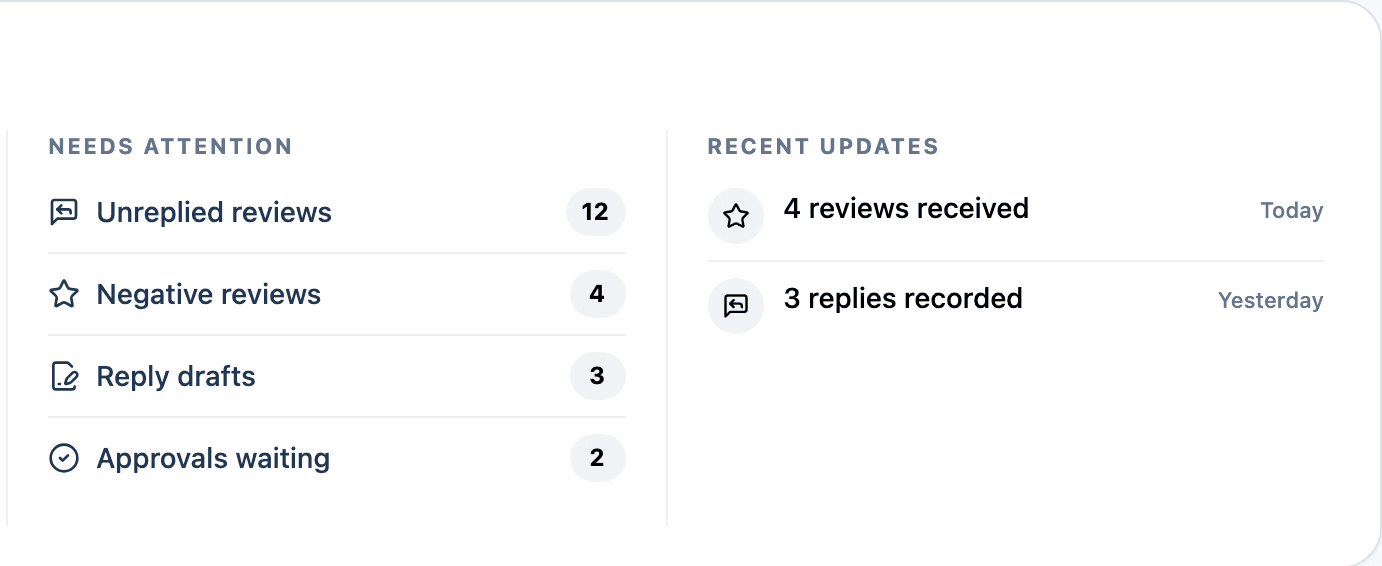
MX keeps selected locations up to date, organizes reviews into an inbox, generates requested reply drafts and analyses, and keeps a history of every proposed change.
Submit only authorized actions
MX can view, edit, create or update business listing data, but it only sends a review reply or listing update to Google after an authorized user initiates or approves it — never automatically.
Keep you in control
You choose whether to connect Google and which accessible locations to add to MX. You may disconnect Google access at any time, or revoke it directly from your Google Account. You may request deletion of your MX account and associated stored data by emailing privacy@maplovin.com.
Connect in three steps
1. Create or sign in to your MX account
Free account creation is available to any user, subject to usage and feature limits.
2. Authorize Google access
Review Google's consent screen and grant the permissions required for the MX features you choose to use.
3. Select your business locations
Choose from the locations your Google account is authorized to access. MX does not transfer ownership of a Google Business Profile.
Designed for controlled business operations
Every proposed change moves through roles, approvals and a visible history before it ever reaches Google.
Role-based workspace access
Company users receive roles and permissions appropriate to their responsibilities.
Approval history
Proposed actions and approvals remain visible so teams can understand what changed and why.
User-controlled provider access
Google access begins only after authorization and can be revoked by the connected account owner.
Reviewer FAQ
Why does MX need Google Business Profile access?
So an authorized user can import the business locations they choose to manage, display listing and performance information, and monitor and reply to customer reviews from one workspace.
Does MX modify listings automatically?
No. Every review reply and listing update is initiated or approved by an authorized user inside MX before it is submitted to Google.
Can users disconnect Google?
Yes. A user can disconnect a Google connection inside MX, or revoke MX's access at any time from their Google Account's third-party access settings.
Built to support evolving location platforms
MX currently focuses on Google Business Profile. MapLovin may add support for other business-listing providers, including Apple Business Connect, as the product evolves. New integrations will require their own authorization and will be described in the applicable product and privacy information.
Need help with MX?
Contact the MapLovin support team for account, connection or product questions. Support requests are normally reviewed within 24 hours.
MX is developed and operated by MapLovin Company Limited.